NexRide DIRTBIKES NexRide Controls and Startup
READY sequence, keybinds, wheelies, crash recovery, and phone shortcuts.
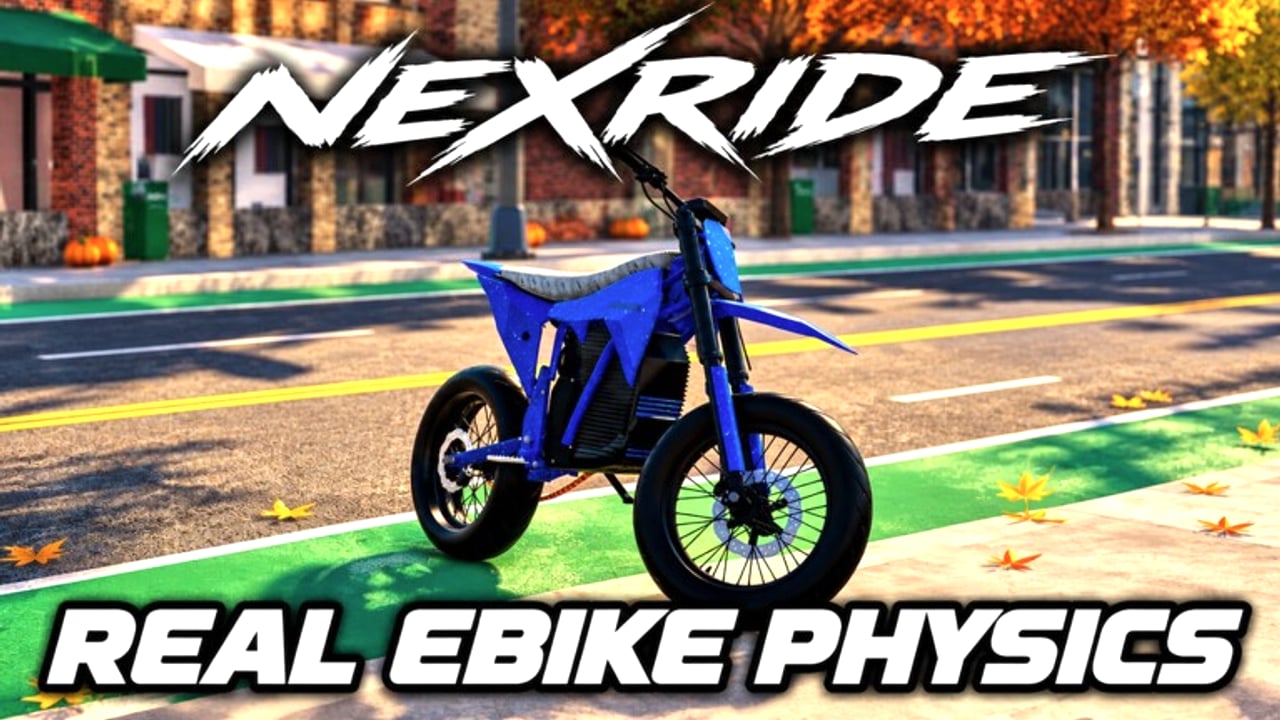
Most early NexRide frustration is not traffic — it is a bike that will not leave the curb because the key, NFC, kickstand, or charger step was skipped. This guide documents the PC control set Funspace Studio’s uses in the free Roblox city rider (16 players per server, place 111963209595404) and the exact READY sequence so throttle finally responds. Use it beside Getting Started on day one and beside How to Make Money when you are optimizing wheelie income.
Master control table
| Input | Action |
|---|---|
| Mount / seat click | Get on the bike |
| 1 | Equip bike key from hotbar |
| Key / NFC use on pad | Unlock and power the bike |
| Raise kickstand | Clear the parking lock |
| Unplug charger | Required on electric bikes still on cable |
| W | Throttle / accelerate |
| Shift+W | Wheelie (lift front wheel) |
| T | Open phone (Next Dash, Maps, Store, CODES) |
| E | General interact |
| R | Respawn damaged / stuck bike |
| Space | Recover after a crash |
If your client shows on-screen buttons, they map to the same actions. Easy driving modes may exist in settings for twitchy first sessions — turn aids off later when you want cleaner wheelie farming.
READY sequence, step by step
- Mount the EX1 or whatever bike you own. Click the seat or use the Get on prompt. In first person you may need to free the cursor to click prompts cleanly.
- Press 1 so the key is the active hotbar tool.
- Aim at the tank NFC / key pad and use the key. The bike unlocks and powers.
- Raise the kickstand. Power alone is not enough; a planted stand keeps you parked.
- Watch for READY on the bike display or status readout.
- If the bike is electric and still connected, unplug the charger before you expect a clean pull-away.
- Hold W to roll out.
Skip any step and W feels dead. That is by design, not lag. Re-run the table from mount if a respawn or garage pull leaves you stuck again. Broader day-one context: Getting Started.
Phone, maps, and interaction
T opens the phone — the real command center:
- Next Dash job cards and payouts
- Maps route to Bike Hub for charging and shopping
- Store for passes and the CODES tab
E interacts with world props, doors, and switches when a prompt appears. You will use Maps constantly: Bike Hub is where you charge and where the Spoke & Volt counter sells ZOOTIO, NXR K10, ZORAN Z24 HP, STARKEN, and trails-era options. Charging rules and Infinite Battery notes live on Charging and Battery. Code paste rules live on Codes.
Throttle, wheelies, and cash movement
Once READY is lit, W feeds power. Speed management matters because police react to speeding, red lights, and show-off wheelies — see Police Chases.
Shift+W starts a wheelie. Held wheelies pay about $2 per second until the front wheel drops. Use them on clear connectors between Next Dash stops, not through intersections packed with AI or players. Near misses ($3) are a timing skill, not a bind — they reward clean passes while you already control throttle.
Practice pattern:
- Reach READY in a quiet lot.
- Roll in a straight line with W.
- Tap Shift+W to lift, hold a few seconds, release.
- Repeat until you can drop the wheel before a corner.
- Only then mix wheelies into delivery routes for travel income.
Crash recovery and bike respawn
Crashes happen. After you come off:
- Use Space to recover and get back into a riding state.
- Remount when the bike is upright and interactive again.
- If the bike is damaged, clipped in geometry, or otherwise unusable, press R to respawn it.
- Re-check READY after a messy recovery — some respawns want the key / kickstand flow again.
Do not spam R mid-chase unless the bike is truly broken; a clean remount often saves the On the Run timer better than a full respawn. Bounty timing is covered on Police Chases.
Electric-specific startup notes
The EX1 is an electric starter (about 55 mph, 27 mi range, 9 kW). Cable state matters:
- Plug in at Bike Hub when range is low.
- Unplug before you expect full throttle behavior.
- Infinite Battery (399 Robux) removes much of this dance — weigh it on Game Passes.
- Dirt loops after the late-October trails update drain attention as well as battery; read Dirtbikes and Trails before long off-road runs.
Troubleshooting dead controls
| Symptom | Likely cause | Fix |
|---|---|---|
| W does nothing | Not READY | Key + kickstand + unplug |
| Key does nothing | Wrong hotbar slot | Press 1, confirm tool equipped |
| Bike slides but will not drive | Kickstand still down | Raise stand until READY |
| Sluggish electric pull-away | Still charging | Unplug at Hub |
| Softlocked after crash | Bad remount state | Space, then remount; R if needed |
| Cannot find Hub | Maps unused | T → Maps → Bike Hub |
| Codes fail | Wrong tab or casing | Store → CODES, exact string |
Session warm-up routine
- Spawn, mount, complete READY in under a minute.
- Open phone, confirm Maps pin to Bike Hub.
- Redeem any new codes quickly.
- Do one quiet wheelie drill before accepting Next Dash.
- Start deliveries only when battery and controls feel solid.
That warm-up prevents the classic “accepted a job, bike dead at the curb” reset. For payout targets after controls feel natural, open How to Make Money. For the full guide index, return to the Guides Hub. Patch changes that alter binds or Hub UI will be noted on Updates; place links stay on Official Links.
Sibling pages to cross-check: Getting Started, Charging and Battery, Police Chases, Dirtbikes and Trails, and the Tier List when you are ready to change bikes without relearning startup on a new platform.
Frequently Asked Questions
Quick answers for dirtbike riders and city grinders.
Why will my NexRide bike not move?
Finish the READY sequence: mount, press 1 for the key, use key/NFC, raise the kickstand, and unplug the charger if electric.
How do I do a wheelie?
Hold Shift+W after you are moving. Wheelies pay about $2 per second — see How to Make Money.
What does T do?
T opens the phone for Next Dash, Maps (Bike Hub), Store, and CODES. Redemption steps are on Codes.
How do I fix a bike after a crash?
Press Space to recover, remount, and use R to respawn the bike if it is damaged or stuck.
Where do I charge?
Route to Bike Hub with T → Maps. Full battery habits are on Charging and Battery.
Do dirtbikes use the same startup?
Expect the same READY logic; trail-specific tips are on Dirtbikes and Trails.